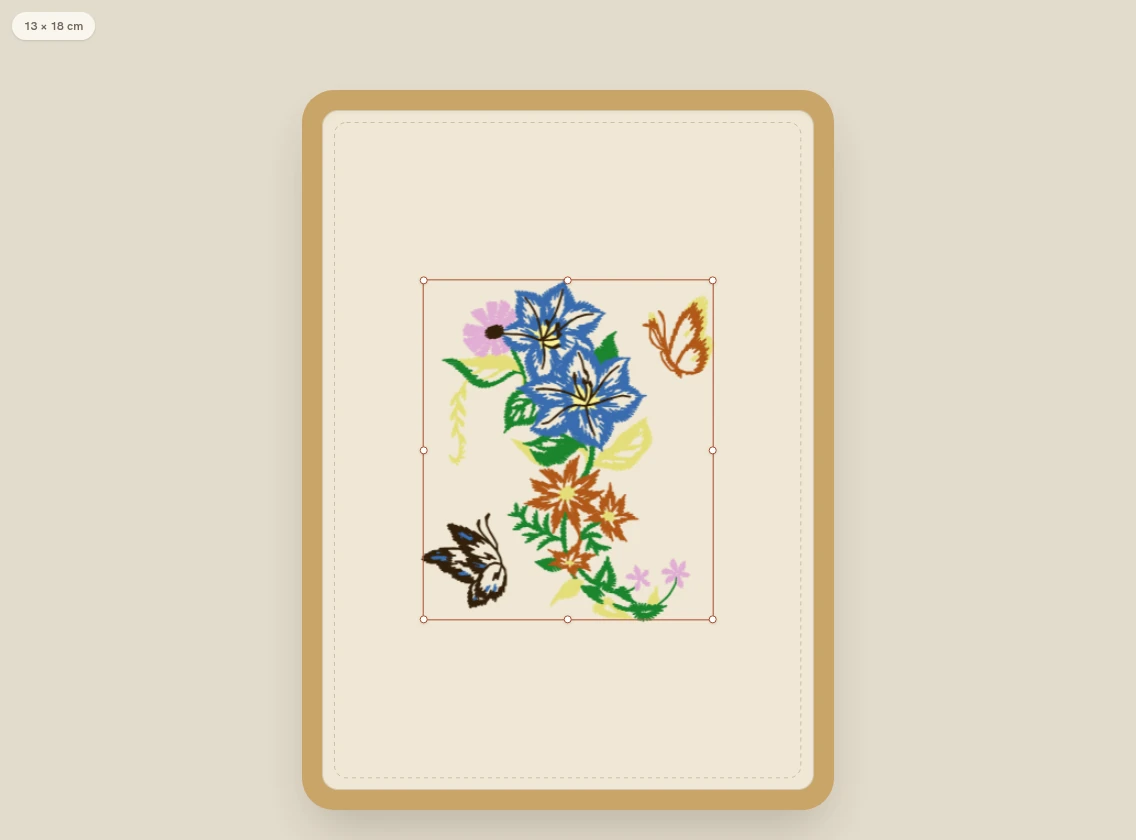
01 / Know what fits
Your hoop. Your actual sewing space.
Arrange your design at real hoop dimensions. Check the size and placement while you work, before the file goes to your machine.
Start with the embroidery area your machine supports.
For the things you can't wait to make
Personalize ready-to-use embroidery designs and lettering, fit them to your hoop, and export for your machine.
A free account is all you need.
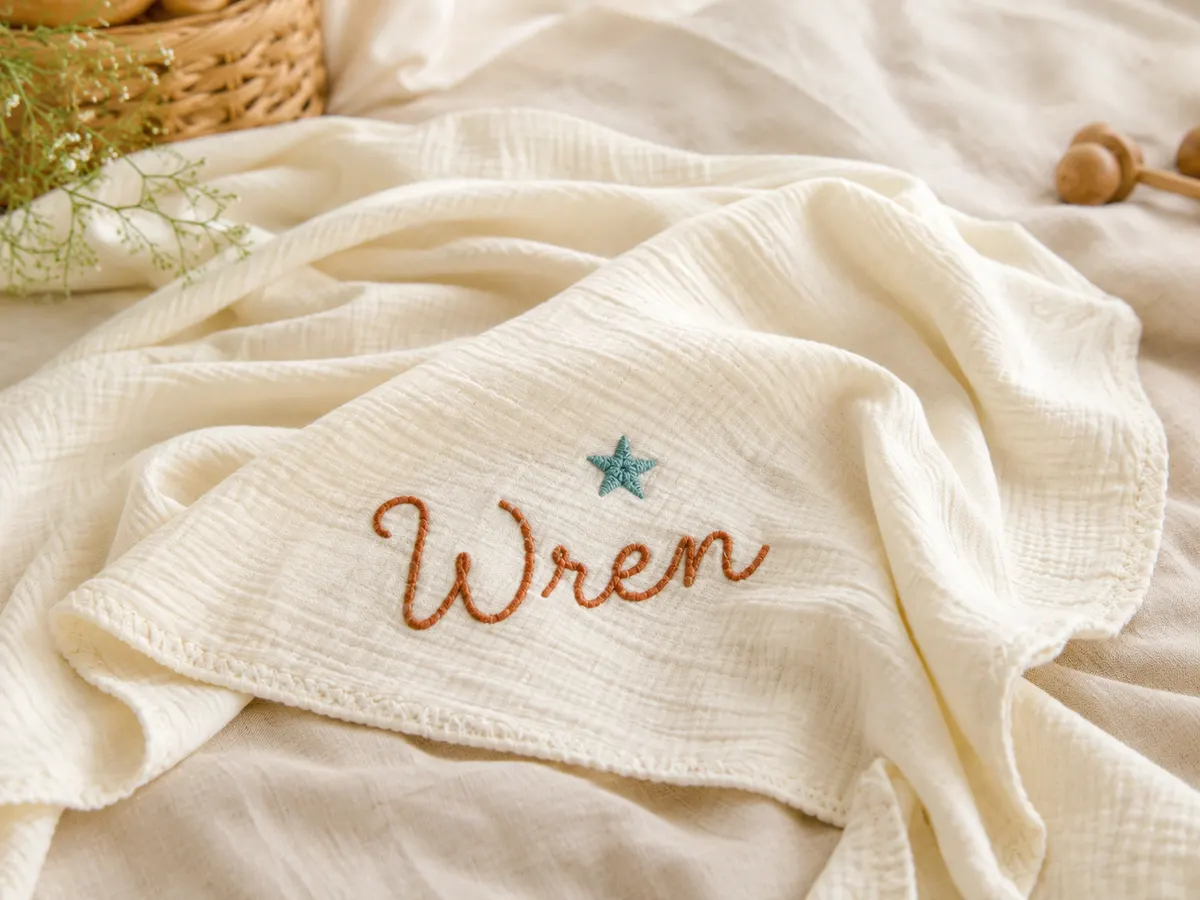
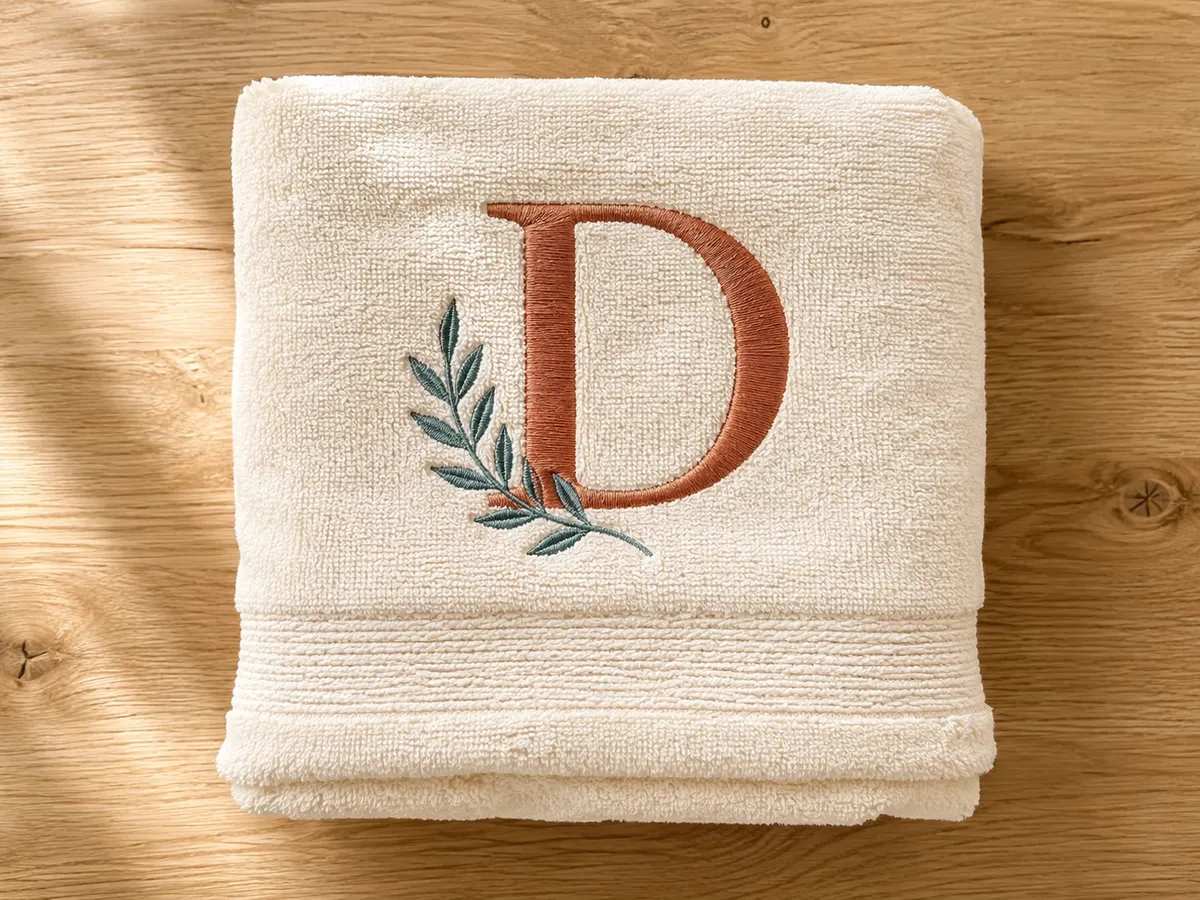
Reads and writes your machine's format
Proven on Brother, Babylock, Tajima, and Janome machines.
A place to make it yours
Choose a ready-to-use design, personalize it with lettering, and arrange it inside your hoop. No digitizing to learn.
 bordimo
01 / Know what fits
Arrange your design at real hoop dimensions. Check the size and placement while you work, before the file goes to your machine.
Start with the embroidery area your machine supports.
02 / Make it personal
Turn ready-to-use designs and lettering into something for them. Type the lettering, change the colors, and place each detail where you want it.
Start your first project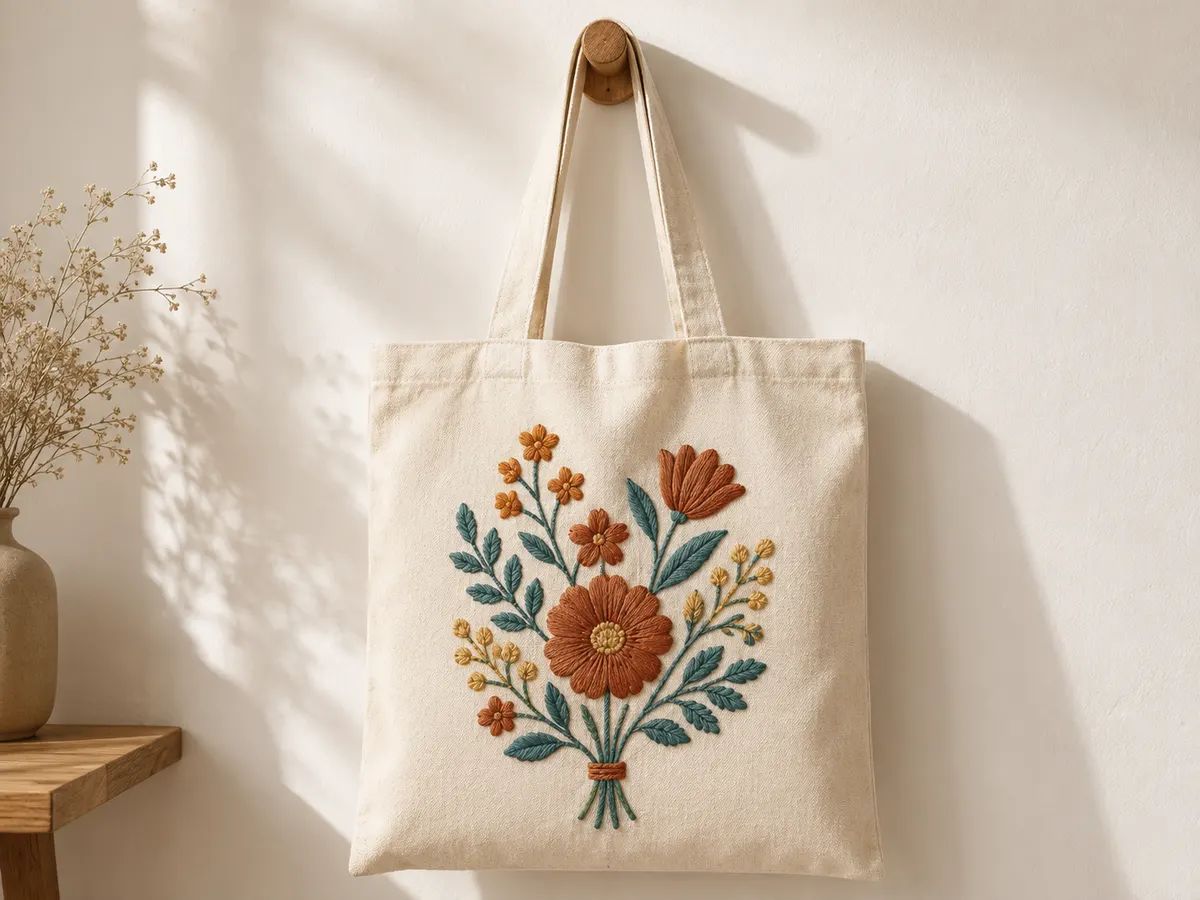
03 / Gifts today. Orders tomorrow.
The commercial license is included with every Bordimo design and font. Sell the physical shirts, towels, and gifts you stitch, without buying a license for each design.
The assets and machine files themselves aren't for resale.
Import embroidery files you already own. Or upload SVG artwork and let Bordimo turn it into stitches.
From hoop to machine file
Choose your hoop and a ready-to-use design, or bring an embroidery file you own.
Personalize with lettering. Adjust the colors, size, and placement inside your hoop.
Download PES, DST, or JEF in the format your machine reads, then transfer the file to your machine.
Check your machine manual for its file format, embroidery area, and transfer steps.
Make something before you commit
Use the editor and library with a free account. Your first machine-file export is included.
A free account is all you need.
When the next project needs a file
$9 / month
or $90 a year
Cancel anytime. Your projects and downloaded files stay yours.
Compare the Free and Pro plansYes. Bordimo saves your Projects to your account. The Free Plan includes one export and needs no card.
A little inspiration in your inbox
Product news and embroidery ideas from Bordimo.